
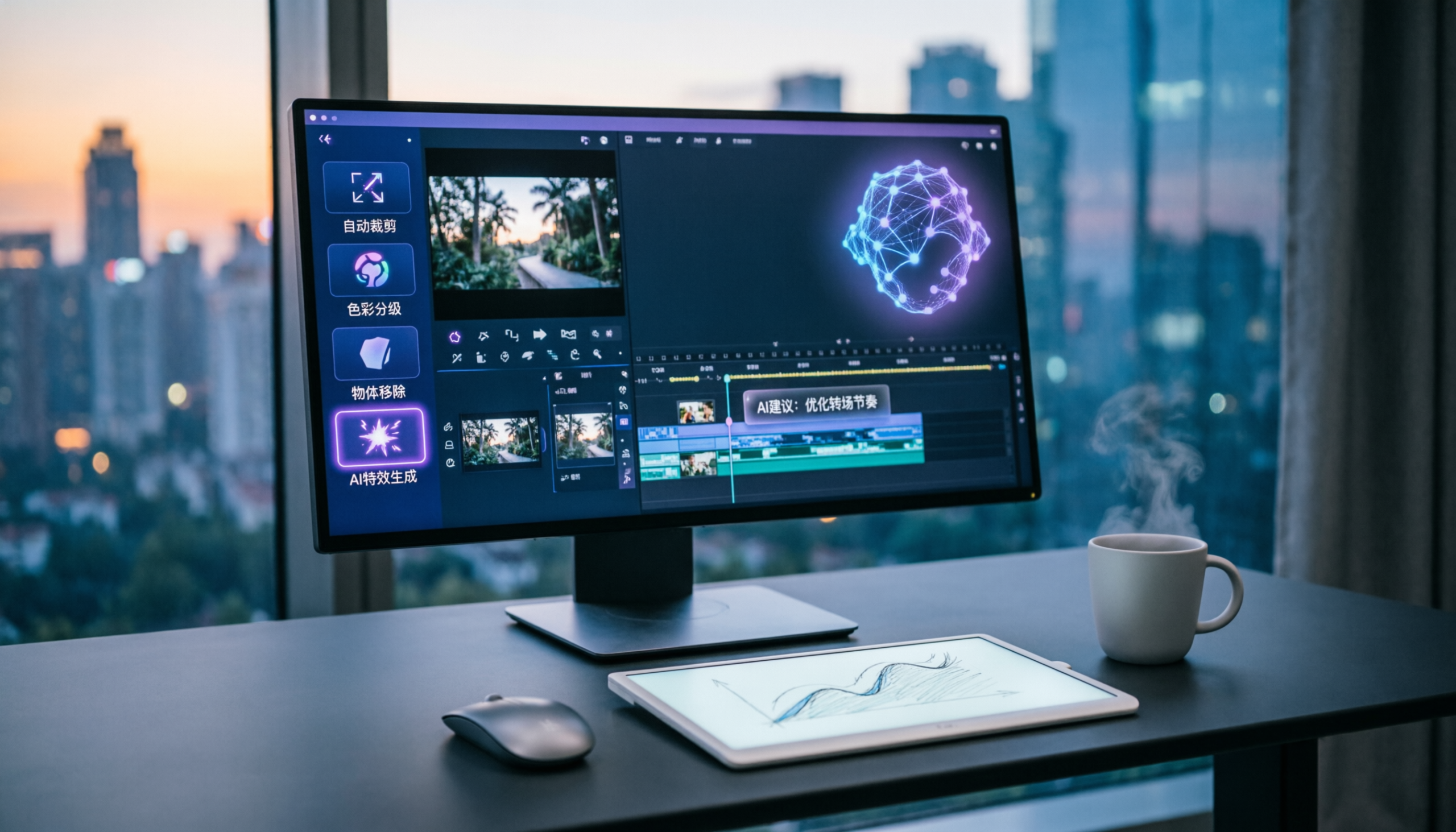
Best AI Image and Video Editing Tools in 2026: The Complete Guide
AI image and video editing tools in 2026 have crossed the line from novelty to professional-grade capability. Image generation that required a professional graphic designer two years ago now takes 30 seconds. Video editing that required a full post-production suite is now a browser-based tool with an AI assistant.
This guide covers the best AI image video editing tools in 2026 — what each does, what it costs, and which tools belong in your workflow.
How AI Has Changed Image and Video Editing
AI image and video editing tools in 2026 use foundation models to automate tasks that previously required professional expertise: background removal, object replacement, style transfer, upscaling, video transcription, B-roll generation, and color grading. The current generation of image tools (Midjourney v7, DALL-E 4, Adobe Firefly 3, Stable Diffusion 3.5) achieves photorealistic output from text prompts and enables image editing through natural language instructions rather than manual layer-based editing. Video tools have advanced from simple AI-assisted editing (auto-captioning, smart trimming) to generative video (Sora, Runway Gen-3, Kling) capable of producing short video clips from text descriptions or extending existing footage. As of 2026, Adobe Creative Cloud integrates AI generation natively across Photoshop, Premiere Pro, and After Effects via its Firefly model, making AI editing available within professional workflows without switching applications.
Two categories cover the AI image video editing tools landscape:
AI image generation/editing tools: Midjourney, DALL-E 4, Adobe Firefly, Stable Diffusion, Canva AI — for creating and editing still images.
AI video tools: Sora, Runway, Kling, CapCut, Descript — for generating, editing, and enhancing video content.
Best AI Image Tools in 2026
Midjourney v7 — Best for Creative Image Generation
Midjourney produces the most visually stunning AI-generated images of any tool in 2026. The v7 model, released in March 2026, handles photorealism, illustration, and artistic styles with exceptional quality.
Best for: Marketing imagery, creative direction, concept visualization, social content Interface: Discord-based or Midjourney.com web UI Pricing: From $10/month (200 fast generations), $30/month for unlimited (relaxed) Weakness: Limited editing control — you generate, not retouch
Workflow: Midjourney is best for generating reference images, hero graphics, and marketing visuals. It’s not a Photoshop replacement — you can’t precisely edit existing photos.
Adobe Firefly 3 — Best for Professional Editing Integration
Adobe Firefly is integrated directly into Photoshop, Illustrator, and Adobe Express. It allows generative fill (replace any selection with AI-generated content), background generation, object removal, and style transfer — all within the familiar Adobe environment.
Best for: Professional designers who live in Adobe Creative Cloud Pricing: Included in Creative Cloud subscriptions ($54.99/month), or standalone Firefly ($4.99/month limited) Strength: Trained on licensed content — commercial use is safe without licensing concerns
Key feature: Generative Fill in Photoshop lets you select any area and type what should replace it. This eliminates hours of manual retouching.
DALL-E 4 (via ChatGPT) — Best for Convenience
If you already use ChatGPT Plus, DALL-E 4 is included. Generate images from text in the same conversation where you’re writing content — the most convenient workflow integration available.
Best for: Blog imagery, quick social posts, concept visualization during content creation Pricing: Included in ChatGPT Plus ($20/month) Weakness: Lower ceiling than Midjourney for purely artistic/creative work
Canva AI — Best for Non-Designers
Canva’s AI features — Magic Generate, Magic Edit, Magic Expand, Background Remover — make professional-looking graphic design accessible without design skills.
Best for: Social media graphics, presentations, marketing materials Pricing: Free (limited AI), Canva Pro from $12.99/month Strength: Template-based approach means outputs are deployment-ready, not just generated images
Best AI Video Tools in 2026
Sora (OpenAI) — Best for AI Video Generation
Sora generates high-quality video clips from text descriptions — up to 1 minute of cinematic footage. Available to ChatGPT Plus subscribers in 2026.
Best for: Generating B-roll, concept visualization, short-form creative video Pricing: Included in ChatGPT Plus ($20/month), more generations in ChatGPT Pro ($200/month) Limitation: Generated clips, not full video editing — best combined with a video editor
Workflow: Generate key scenes in Sora → edit together in CapCut or Premiere → add voiceover in Descript.
Runway Gen-3 Alpha — Best for Creative Video AI
Runway offers the most control of any AI video generation tool. Gen-3 Alpha produces high-quality video from text, image, or reference video. Runway also includes a full suite of AI editing tools: motion tracking, background removal, scene detection.
Best for: Creative directors, video producers, content creators doing high-end work Pricing: Free (limited credits), from $15/month for Standard Strength: Style consistency and director control — more predictable output than Sora for specific visual concepts
Descript — Best for Talking-Head and Podcast Video Editing
Descript edits video by editing a transcript. Delete a sentence from the transcript, and the video removes that segment automatically. It also includes AI overdub (replace misspoken words with AI voice), filler word removal, and clip generation.
Best for: Podcasters, course creators, anyone producing talking-head video content Pricing: Free (limited), from $24/month for Creator Workflow: Record → transcript auto-generates → edit transcript → AI handles video cuts → export
CapCut — Best Free AI Video Editor
CapCut (from ByteDance) offers the most complete free AI video editing experience. Auto-captions, background removal, AI avatar generation, beat sync, and noise removal are all included at no cost.
Best for: Short-form video for TikTok, YouTube Shorts, Instagram Reels Pricing: Free (with watermark on some features), CapCut Pro from $7.99/month Strength: Purpose-built for short-form social video — the template library and format presets are unmatched
Adobe Premiere Pro AI Features — Best for Professional Video Editing
Premiere Pro’s AI features — Firefly-powered B-roll generation, text-based editing, automatic color grading, and speech-to-text — bring AI capabilities into the professional editing workflow without requiring a new platform.
Best for: Professional video editors who need AI to accelerate existing workflows Pricing: Included in Creative Cloud ($54.99/month)
Recommended Workflows by Use Case
YouTube Long-Form Video (10-20 minutes)
1. Script: ChatGPT or Claude 2. B-roll: Sora (generate clips) + Storyblocks (licensed footage) 3. Editing: Descript (transcript-based) or Premiere Pro 4. Thumbnails: Midjourney + Canva 5. Captions: Auto-generated in Descript or CapCut
Social Media Content (Short-Form)
1. Video clips: CapCut (recording + AI editing) 2. Graphics: Canva AI or DALL-E 4 via ChatGPT 3. Captions: CapCut auto-caption 4. Scheduling: Buffer (from RSS or manual)
Marketing and Advertising
1. Hero imagery: Midjourney v7 (concepts) → Adobe Firefly (final production) 2. Ad video: Runway Gen-3 for AI-generated footage + Adobe Premiere for production 3. Product imagery: Adobe Firefly Generative Fill for retouching 4. Social assets: Canva AI for deployment-ready templates
Pricing Summary
| Tool | Category | Free Tier | Paid Starting |
|---|---|---|---|
| Midjourney | Image generation | No | $10/month |
| Adobe Firefly | Image editing | Yes (25 credits) | $4.99/month |
| DALL-E 4 | Image generation | No (needs Plus) | $20/month (Plus) |
| Canva AI | Design + generation | Yes (limited) | $12.99/month |
| Sora | Video generation | No (needs Plus) | $20/month (Plus) |
| Runway | Video generation + editing | Yes (125 credits) | $15/month |
| Descript | Video editing | Yes (limited) | $24/month |
| CapCut | Video editing | Yes | $7.99/month |
FAQ
What is the best AI image generator in 2026? Midjourney v7 for pure image quality and artistic output. Adobe Firefly for professional editing workflows with commercial licensing. DALL-E 4 for convenience within the ChatGPT ecosystem.
Can AI video tools replace a video editor? For simple content (social clips, talking-head video), tools like Descript and CapCut eliminate most manual editing. For complex production work, AI accelerates professional editors but doesn’t replace them.
Are AI-generated images commercially safe to use? Adobe Firefly is trained on licensed content and is explicitly cleared for commercial use. Midjourney and DALL-E 4 allow commercial use with paid plans. Always check the specific terms for your use case.
What AI video tool is best for YouTube? Descript for talking-head/interview content (transcript-based editing). CapCut for short-form. Runway + Premiere Pro for high-production content.
Key Takeaways
The best AI image video editing tools in 2026:
– Midjourney v7 for the highest quality AI image generation – Adobe Firefly for professional editing within Creative Cloud – DALL-E 4 for convenient image generation in the ChatGPT workflow – Sora for text-to-video generation (ChatGPT Plus) – Runway for creative AI video with director-level control – Descript for transcript-based video editing – CapCut for free AI-enhanced short-form video
For more AI tools for content creation, read our best AI tools 2026 complete guide and our AI writing tools comparison.
Last updated: May 2026.