
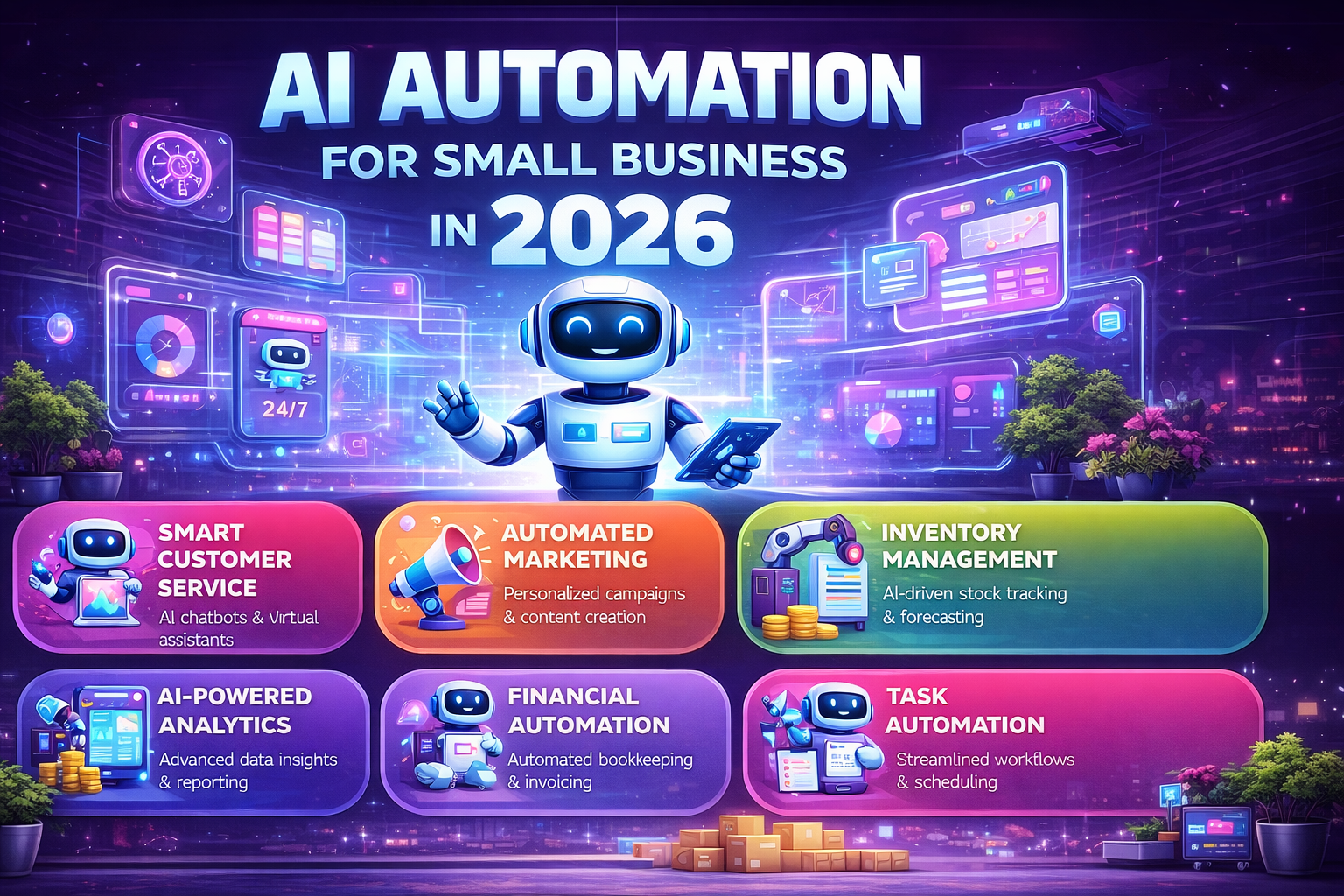
01 / Hype vs. Reality for Small Business AI Automation
Let’s be direct. Most content about AI automation is written for enterprise teams with dedicated IT budgets and months to implement. Small businesses operate differently — you need something working this week, not this quarter.
Here’s an honest breakdown of what’s genuinely useful vs. what’s vendor marketing:
🚨 Overhyped
Full business autopilot
No tool will run your business for you. AI excels at narrow, repetitive tasks — not judgment calls, relationship-building, or strategy.
✅ Real ROI
Email follow-up sequences
Automating personalized follow-ups to leads or clients consistently saves 3–5 hours/week for most small businesses. Easy to set up in HubSpot or Make.
🚨 Overhyped
“Replace your writer with AI”
AI drafts are starting points, not final products. Unedited AI content sounds generic and can hurt your SEO. Always edit before publishing.
✅ Real ROI
Social media scheduling from a content doc
Feed a weekly content brief into an AI → get 10 formatted posts → auto-schedule via Buffer or later. 2-hour task becomes 20 minutes.
🚨 Overhyped
AI customer support that “handles everything”
Works for FAQ-type questions. Breaks on anything complex. Without a clear escalation to a human, it frustrates customers more than it helps.
✅ Real ROI
Weekly report auto-generation
Connect your data sources (Stripe, GA4, ad platforms) and generate a formatted weekly summary. No more Monday morning spreadsheet ritual.
02 / The 5 Highest-ROI Automations Under $50/Month
These are the five automations I’d set up first for any small business, ranked by time saved vs. cost and complexity to implement:
| # | Automation | Tool(s) | Est. Time Saved/Week | Monthly Cost | ROI |
|---|---|---|---|---|---|
| 1 | Lead follow-up sequences | HubSpot + AI | 4–6 hours | $0 (free tier) | 🔥 Very High |
| 2 | Weekly analytics report | Make + Julius AI | 2–3 hours | ~$9–18 | 🔥 Very High |
| 3 | Social posts from content brief | Claude + Buffer | 2–4 hours | ~$20–25 | High |
| 4 | Invoice & payment reminders | Zapier + Stripe/Invoice tool | 1–2 hours | ~$0–19 | High |
| 5 | Meeting notes → tasks | Otter.ai + Make | 1–2 hours | ~$10–17 | Medium-High |
⚓
Want deeper reviews of Make, Zapier, Claude, and Julius AI? My main AI Automation Guide 2026 covers all 10 tools with full test results and comparison tables.

03 / 3 Real Workflows, Step by Step
Workflow A — The “Never Chase a Lead Again” Sequence
Tools: HubSpot Free + AI email assistant. Time to set up: ~45 min.
📥
Trigger: New contact form submission
Someone fills out your contact form or downloads a lead magnet. HubSpot automatically creates a contact record.
✉️
Step 1: Personalized intro email (AI-drafted, you approved once)
HubSpot’s AI drafts an email using the contact’s name, company, and the page they converted on. You review the template once — it runs forever.→ See our full HubSpot automation guide for the exact setup
⏱️
Step 2: D+3 follow-up if no reply
If the contact doesn’t respond in 3 days, a second shorter email triggers automatically. Different angle, no repetition.
🎯
Step 3: D+7 final check-in + deal creation
Third touchpoint. If still no reply, a “deal” record is auto-created with a task for you to call. You get notified — once — instead of tracking it manually.
Workflow B — Automated Weekly Business Report
Tools: Julius AI + Make + email. Time to set up: ~1 hour.
📊
Step 1: Connect your data sources
Julius AI connects to your Google Analytics, Stripe (or whatever billing tool), and a Google Sheet you already maintain. No code required.→ How to analyze business data without coding (full guide)
🤖
Step 2: Set your weekly prompt once
“Every Monday at 8am, summarize: revenue vs. last week, top traffic sources, conversion rate, and any anomalies. Format as a 5-bullet executive summary.”
📬
Step 3: Auto-email to you (and your team)
Make sends the generated summary every Monday morning. You open your inbox and your week’s context is already there. No dashboard hunting.
Workflow C — Social Content Factory
Tools: Claude API or ChatGPT + Buffer. Time to set up: ~30 min.
📝
Step 1: Write one weekly “content brief” (15 min/week)
Just a few bullet points: your topic, key message, any link to share, tone. This is the only human input required each week.
💬
Step 2: AI generates 5–8 platform-specific posts
A well-crafted system prompt (see our AI Prompting guide) turns your brief into LinkedIn, Twitter/X, and Instagram captions, each formatted for their platform.
🗓️
Step 3: Review in 5 min, schedule via Buffer
You skim, edit one or two posts if needed, and hit “approve all.” Buffer distributes them across the week. Done.
04 / A Realistic Automation Budget for a Small Business
Here’s what a lean but effective automation stack looks like — covering all three workflows above and more:
💰 Monthly Automation Stack — Under $80/mo
HubSpot CRM + basic automation$0 (free tier)
Make (1,000 operations/mo)$9/mo
Claude Pro or ChatGPT Plus$20/mo
Julius AI (data analysis, basic)$20/mo
Buffer (social scheduling)$15/mo
Total Monthly$64/mo
For context: at a conservative $50/hour value of your time, saving even 2 hours per week from this stack means it pays for itself 6x over. Most small businesses I’ve spoken to save 5–10 hours/week once these workflows are running.
💡
Worried about data privacy before connecting your CRM or billing data to any of these tools? Our Security & Pricing guide covers exactly what questions to ask vendors and what to look for in their TOS.
05 / The 3 Traps Small Businesses Fall Into
⚠️
Trap 1: Tool-shopping instead of workflow-mapping. Most small businesses spend weeks evaluating tools and zero time mapping the actual workflow they want to automate. Start with the workflow on paper. The tool choice becomes obvious.
⚠️
Trap 2: Trying to automate too early. If you’ve only done a task 5 times, you don’t yet understand it well enough to automate it. Automate things that already run smoothly manually — not things you’re still figuring out.
⚠️
Trap 3: Writing your AI prompts once and forgetting them. Prompts degrade over time as AI models update and your business context changes. Treat your system prompts like you treat your processes — review them quarterly. Our prompting guide shows you exactly how to structure durable prompts.
06 / Where to Start Today
“One working automation in 48 hours beats ten planned automations that never ship.”
If I were setting up AI automation for a small business today, here’s the exact order I’d tackle it:
- Day 1: Set up HubSpot free + build the lead follow-up sequence. Free, fast, immediate impact.
- Week 1: Add Make ($9/mo) and connect your most painful manual data export. Automate your weekly report.
- Week 2: Add Claude or ChatGPT. Build your social content workflow using the template above.
- Month 2: Review time saved. Identify the next highest-friction task. Repeat.
The goal isn’t to have the most sophisticated automation stack. The goal is to reclaim hours that you can reinvest in the work only you can do.

🔗 Continue in the Automation Cluster
- ⚓ Best AI Automation Tools for Business 2026 ← Full tool reviews + comparison table
- Process Automation: Create Your Own Custom Agents ← Ready to go beyond no-code?
- HubSpot Automation for Freelancers ← Step-by-step HubSpot setup
- Business Data Analysis Without Coding ← For the weekly report workflow
- AI Prompting: The Complete Guide ← Essential for workflow quality
- Security & Pricing Guide ← Before connecting sensitive data
- Marketing Assets: Generate Professional Visuals ← Pair with your content workflow