
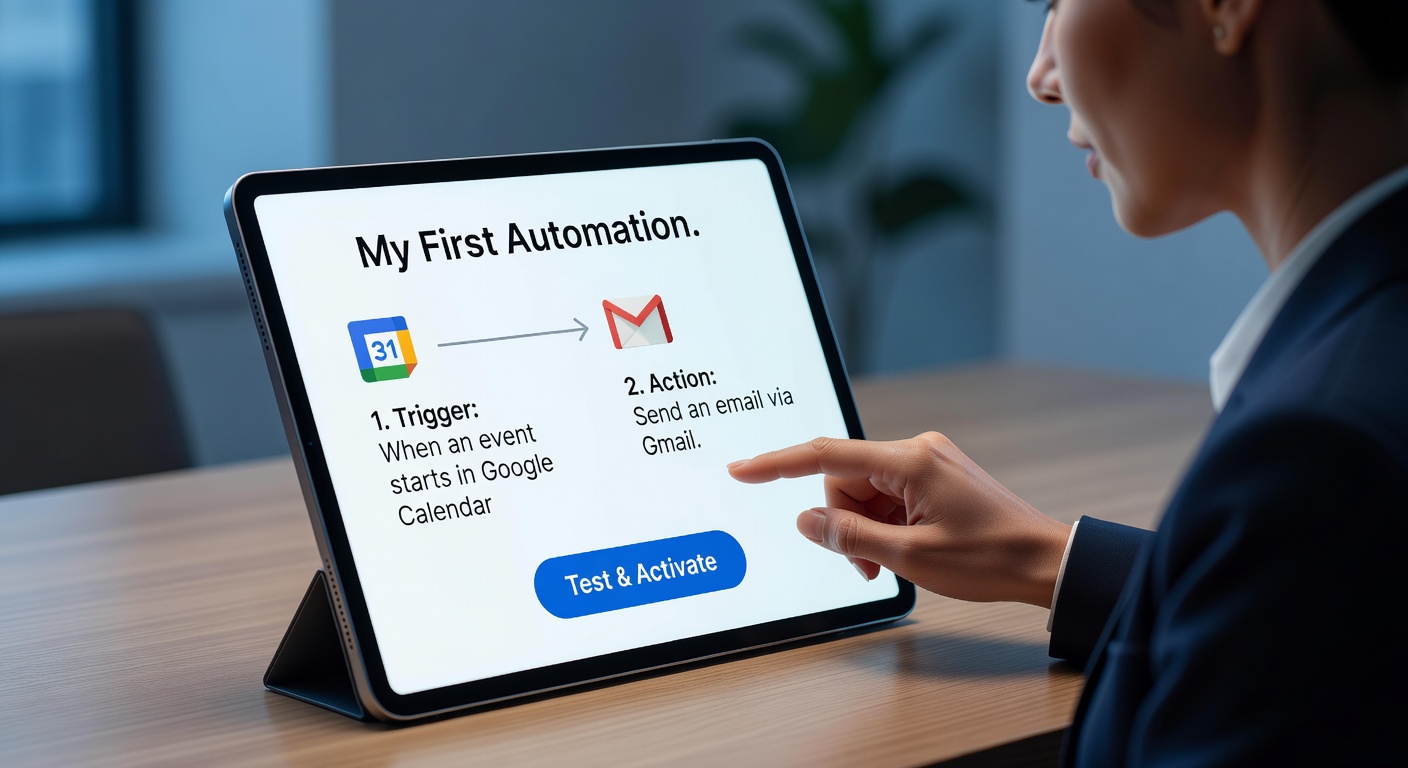
Many freelancers believe automation requires technical know-how or complex setups. In reality, the most powerful workflows are often the simplest: one trigger, one action, and a clear purpose. This guide walks you through building your very first automation—using real tools like Make or HubSpot—without writing a single line of code. It’s part of a broader strategy to choose the right automation tool for your business in 2026, grounded in practicality, not hype.
You don’t need to be a developer—or even tech-savvy—to start automating. What you need is clarity about one small task that repeats in your workweek. The rest is just following prompts.
Here’s how to go from idea to working automation in under 30 minutes.
Step 1: Pick One Repetitive Task
Start small. Look for tasks you do at least once a week that feel like friction. Examples:
- Saving client contracts from Gmail to Google Drive
- Adding new leads from your website form to a spreadsheet
- Sending a welcome email when someone signs up for your newsletter
Avoid overthinking. Don’t aim to “automate your business.” Just solve one tiny annoyance. That’s where real momentum begins.
Ask yourself: What task makes me sigh every time I do it? That’s your candidate.
Step 2: Choose the Right Tool for Your Skill Level
If you’re new to automation, Make is the safest starting point. Its visual interface lets you drag modules (like Gmail or Google Sheets) onto a canvas and connect them with arrows. Templates for common workflows—like “Save Gmail attachments to Drive”—are ready to copy and customize.
If you already use HubSpot, and your task involves contacts, emails, or deals, stay inside its ecosystem. HubSpot can automatically tag leads, send follow-ups, or trigger internal tasks—all without leaving the platform.
Most importantly: don’t build a 10-step sequence on day one. Start with two steps: When X happens, do Y. Complexity comes later—if ever.
Step 3: Set Up the Trigger
The trigger is the event that starts your automation. In Make, you’d:
- Click “Create a new scenario”
- Search for an app (e.g., “Gmail”)
- Choose a trigger like “Watch emails with attachment”
The tool will ask you to log in to your Gmail account and run a test. If it finds a matching email, you’re good to go.
If you get stuck, skip building from scratch. Instead, browse the template library. Type “Gmail to Google Drive” and copy a pre-built workflow. Then tweak it to fit your folder names or labels.
This takes less time than doing the task manually twice.
Step 4: Define the Action
Now tell the system what to do next. For example:
- “Upload file to Google Drive → Folder: /Clients/[Sender Name]”
- “Add row to Google Sheet → Columns: Name, Email, Date”
- “Send email via Gmail → Template: Welcome Message”
You’ll map fields using dropdown menus. Want the email subject to become the file name? Just select “Subject” from the list. No coding—just point and click.
Keep it to one action for your first automation. You can add more later (like sending a Slack alert after saving a file), but start simple.
Step 5: Test and Activate
Never assume it works. Run a real test:
- Send yourself an email with an attachment
- Submit your own contact form
- Trigger the event as a real user would
Then check: Did the file appear in the right folder? Is the spreadsheet updated? If yes, activate the workflow. Most tools let you turn it on with one click.
Once live, it runs silently in the background—every time, without reminders.
Why This Matters More Than You Think
That five-minute workflow might seem minor. But if it saves you 10 minutes a week, that’s over 8 hours a year. And more importantly, it frees mental space. You stop worrying about forgetting to file a contract or missing a lead.
Automation isn’t about doing more. It’s about removing invisible burdens so you can focus on work that matters.
And the best part? Once you’ve built one, the second is ten times easier.
Final Tip: Start Today, Not “Someday”
Don’t wait for the perfect moment. Open Make or HubSpot right now. Pick one task. Spend 20 minutes. Even if it’s imperfect, it’s progress.
Because the goal isn’t to build a flawless system. It’s to prove to yourself that you can automate—and that it works.
Ready to see this in action? Our collection of real freelancer automation success stories shows exactly how independents like you turned simple workflows into hours of reclaimed time—starting with just one link between two apps.