
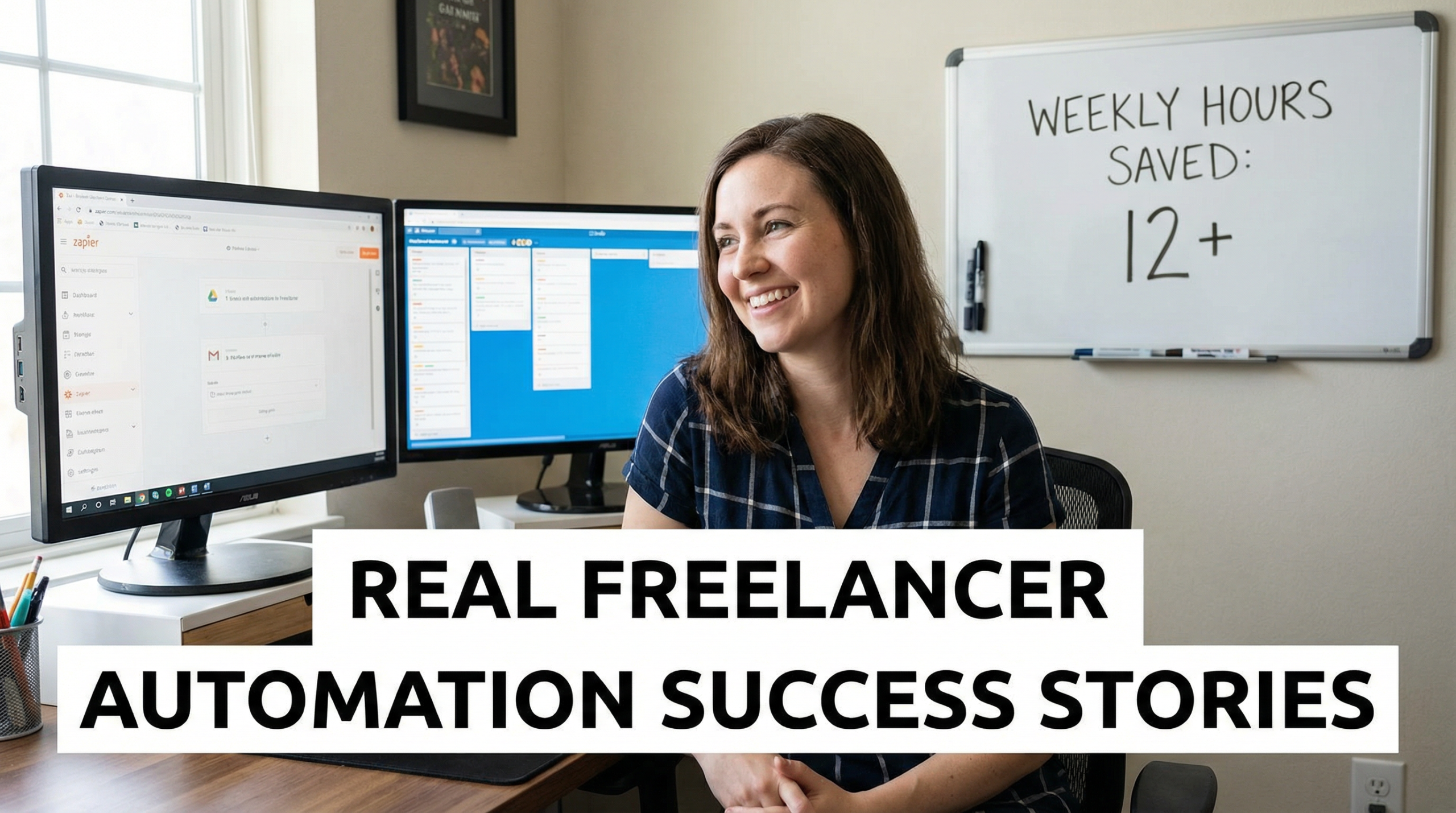
Many assume automation is only for tech-savvy founders or big teams. But some of the most effective workflows come from solo professionals who simply linked two apps to solve one annoying problem. These aren’t grand systems—they’re quiet shortcuts that compound into hours saved every week. This collection of real stories shows how freelancers in design, consulting, and content use automation practically. It’s part of a larger strategy to choose the right automation tool for your business in 2026—one small win at a time.
Automation doesn’t need to be flashy to be powerful. In fact, the most impactful workflows are often invisible: they run in the background, handle repetitive tasks, and free up mental space for real work. Below are three real-world examples from freelancers who started with zero technical skills—and now save 5 to 15 hours every week.
Sarah, Content Strategist – Auto-Saving Client Files & Logging Leads
Sarah works with 8–10 clients per month. Every time a client sent a contract, brief, or asset via email, she’d manually download it, rename it, and file it in the right Google Drive folder. Then, she’d open her Airtable base and log the project start date, contact info, and deliverables. The whole process took 7–10 minutes per client—adding up to nearly 2 hours monthly.
She built a simple Make workflow:
- Trigger: New email in Gmail with attachment and subject containing “Contract”
- Action: Save attachment to Google Drive in
/Clients/[Client Name]/Contracts - Action: Add a new record to Airtable with sender name, email, and date
Setup time: 25 minutes.
Time saved: ~90 minutes/month.
Bonus: No more lost files or forgotten entries.
“I used to dread onboarding,” she says. “Now it happens while I’m in my morning coffee.”
James, Marketing Consultant – Smarter Lead Follow-Ups with HubSpot
James offers fractional CMO services. He noticed that leads who visited his pricing page multiple times rarely got a personalized follow-up—because he didn’t know who they were. He was using a basic form + email tool, but data lived in silos.
He switched to HubSpot’s free CRM and built a workflow:
- When a contact visits the pricing page 3+ times in 7 days, tag them as “Hot Lead”
- Automatically send a personalized email: “Saw you checking out pricing—want to hop on a quick call?”
- If they reply, notify him instantly in Slack
Result: His reply rate doubled. More importantly, he stopped guessing who was interested—he knew.
“It’s not magic,” he explains. “It’s just paying attention at scale.”
Lena, Brand Designer – Automating Client Onboarding
Lena’s biggest time sink wasn’t design—it was scheduling. After a client signed, she’d go back and forth over email to find a time for the kickoff call. Then she’d manually send a questionnaire, add the event to her calendar, and create a project folder.
She connected Calendly, Google Calendar, Typeform, and Google Drive using Make:
- Trigger: New Calendly booking
- Action: Add event to Google Calendar
- Action: Send automated email with Typeform link (“Complete your brand questionnaire”)
- Action: Create a new folder in Google Drive named
[Client] - Brand Project
Now, the entire onboarding sequence happens in under 2 minutes—without her lifting a finger.
“I get to start every project feeling organized, not exhausted,” she says.
What These Stories Have in Common
These freelancers didn’t build complex AI systems. They each did three things:
- Identified one recurring pain point (filing, follow-ups, scheduling)
- Chose a tool that matched their skill level (Make for simplicity, HubSpot for CRM depth)
- Started small—one trigger, one or two actions
None spent more than an hour setting up their first workflow. And all report the same outcome: less mental load, fewer missed details, and more time for high-value work.
You Don’t Need a System—You Need a Shortcut
The myth of automation is that it requires a master plan. The truth? It starts with one link between two actions you already do.
Ask yourself:
- What task do I repeat every week that makes me sigh?
- Could two of my apps talk to each other to handle it?
If yes, you already have your first automation idea.
And if you’re ready to turn that idea into reality, the fastest path is a simple, step-by-step approach. Our guide on how to build your first no-code automation without coding walks you through the exact process these freelancers used—with screenshots, templates, and troubleshooting tips designed for non-technical users.